Skeletal Tags
SKELETAL TAGS
Some basic tags and their meanings are discussed below:
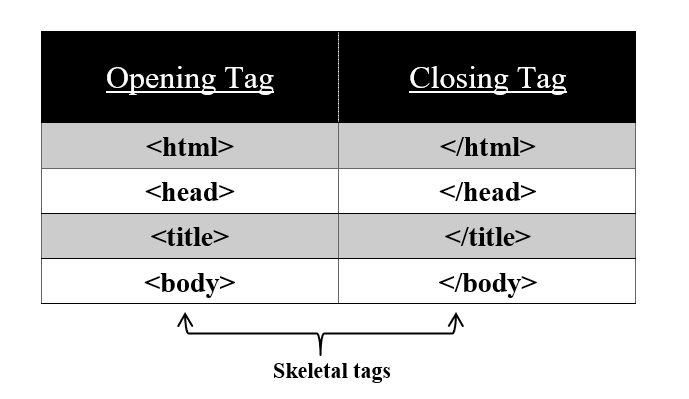
These three tags are known as “skeletal tags”.
<html> tag : “root of an HTML page”
Syntax:
As discussed above, all the contents are wrapped in between the opening tag <html> and the closing tag </html>. In between <html> and </html> tag, our content contains two parts i.e. a header section i.e. <head>...</head> and a body section i.e. <body>...</body>.
<head> tag : “header part of an HTML page”
Syntax:
Our header section starts from <head> and closes at </head> tag. It defines the head of a document. This tag contains meta tags i.e. <meta>....</meta> and a title tag i.e. <title >...</title>. The title is shown in the top tab of your browser but metadata is not displayed anywhere, it is generally used for SEOs and contains information about the document.
<title > tag : “title part of an HTML page”
Syntax:
Our title section starts from <title> and closes at </title> tag. It defines the title of a document.
<body> tag : “body part of an HTML page”
Syntax:
Our body section starts from <body> and closes at </body> tag. It defines the body of a document. This tag contains various other tags. All the contents in between this tag are displayed on a web browser
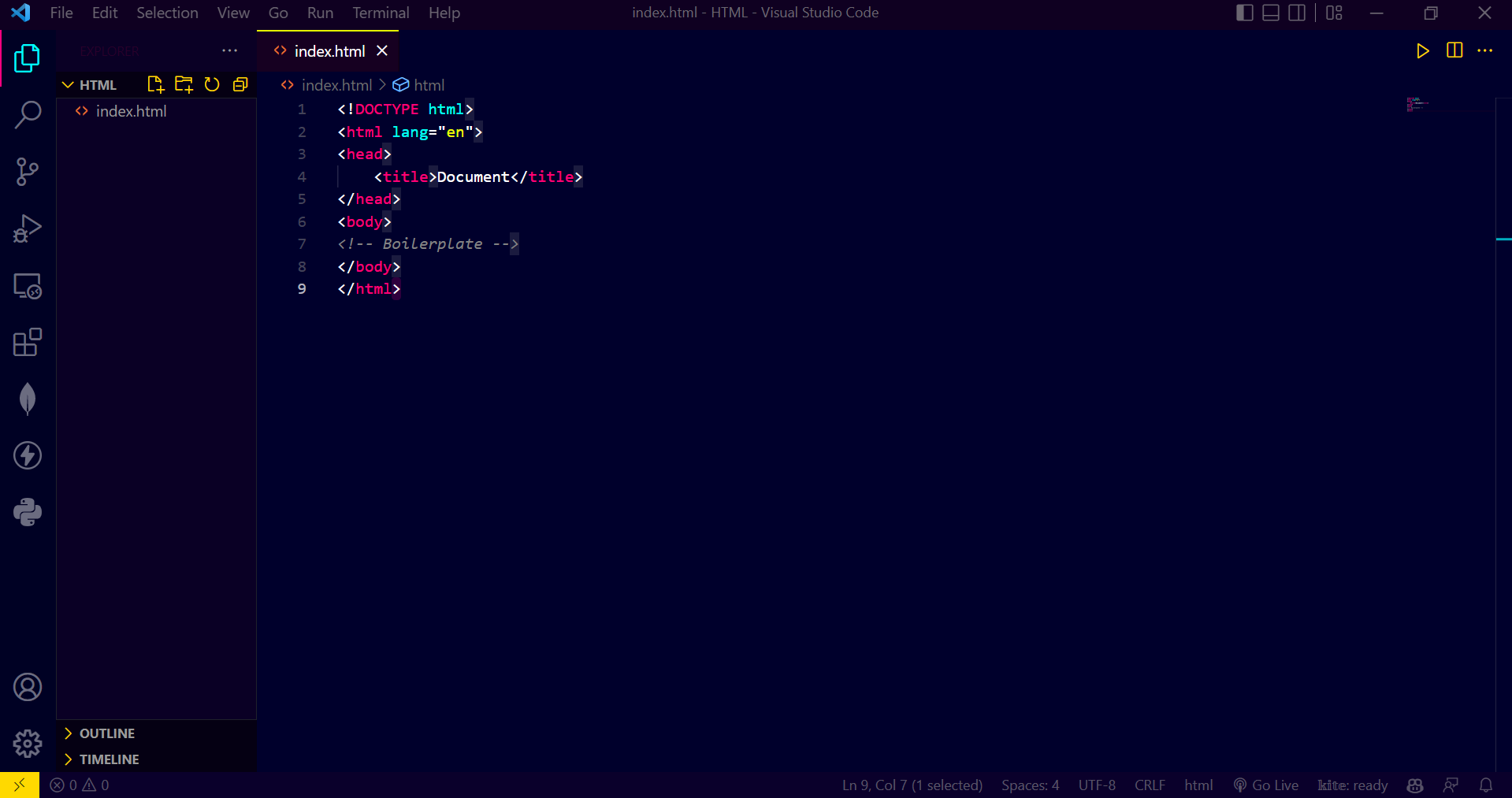
The below image shows the skeletal tags and must needed tags to define the layout of the webpage